
In the world of IT support, You will quickly learn that you can’t fix a physical problem with software. Before we dive into the complex logic of the OSI Model next week, we will need to talk about the physical “boots on the ground” tools that will help keep the lights on.
As a Support Associate, these are the five tools i consider non-negotiable for anyone serious about networking.
1. The Cable Tester (Continuity Checker)
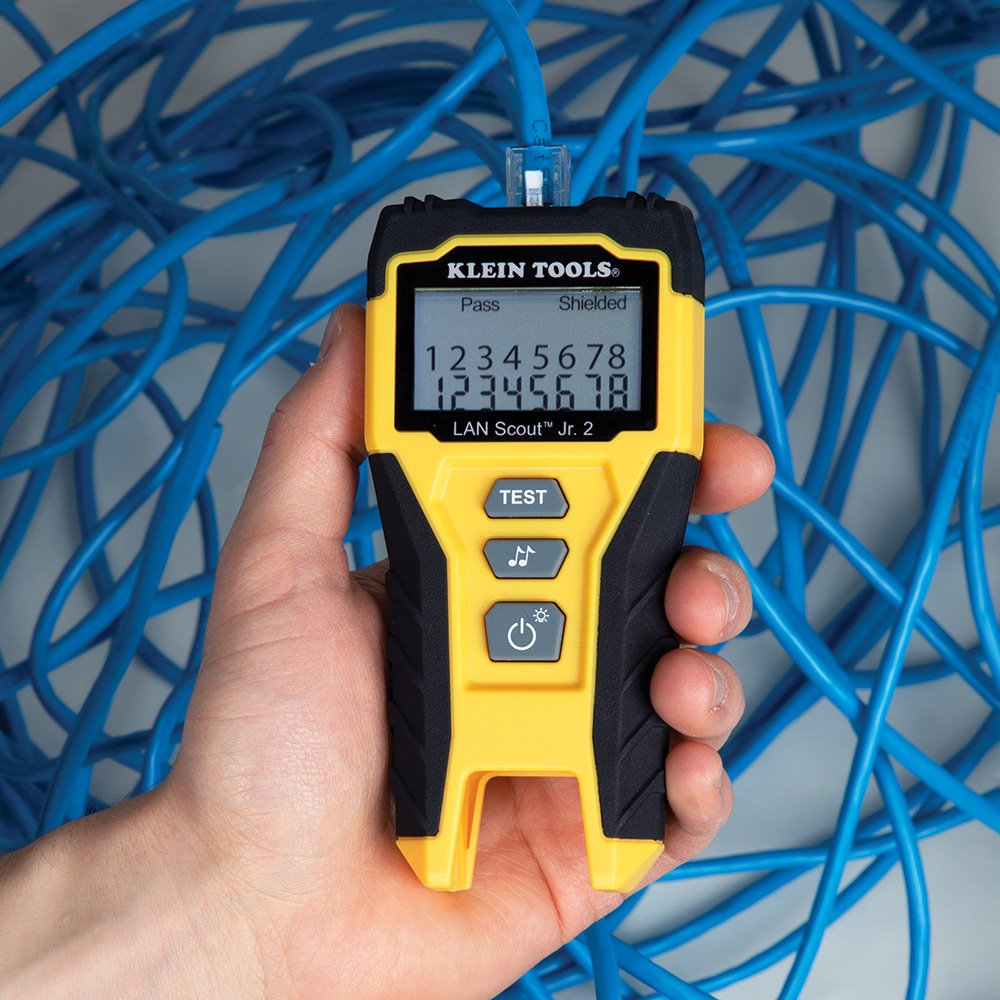
The most common ticket in IT is “The internet is not working.” Often, the culprit is a bad termination or a broken wire inside a wall.
- The Function: it will check if all eight wires in an Ethernet cable are pinned correctly and making a full connection from end to end.
- Real-World Use: If you see “No Link Light” on a switch, this is the first tool you should grab to rule out a bad cable.
2. The Crimper & RJ-45 Connectors
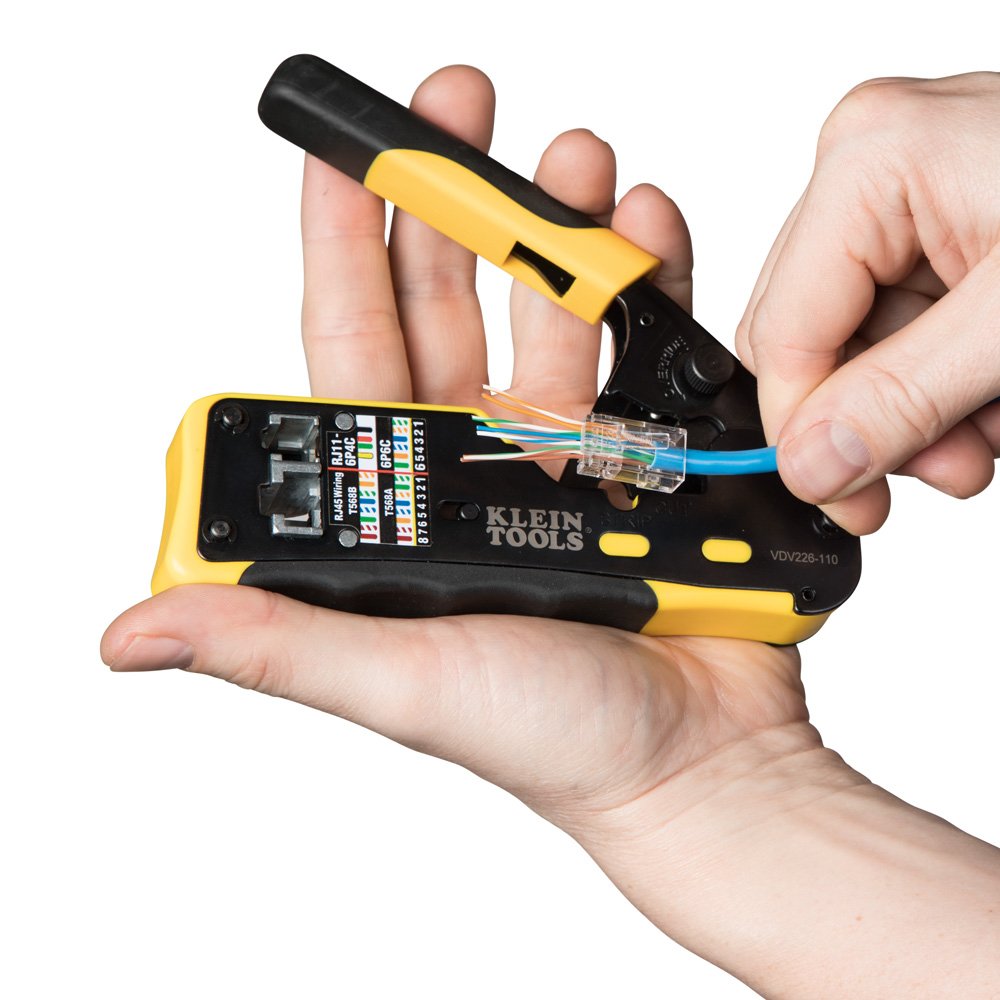
While we usually just buy “patch cables” pre-made, sometimes you might run into a situation where you need to run a custom length of Cat6 through a ceiling or repair a broken clip.
- The Function: This tool “pinches” the gold contacts of an RJ-45 connector onto the copper strands of the cable.
- The Skill: Mastering the T568B wiring standard is a rite of passage for every network technician. Even if you do not use this skill regularly, it is a good skill to know because it may be the only thing you have on you at the time.
3. The Punch-Down Tool
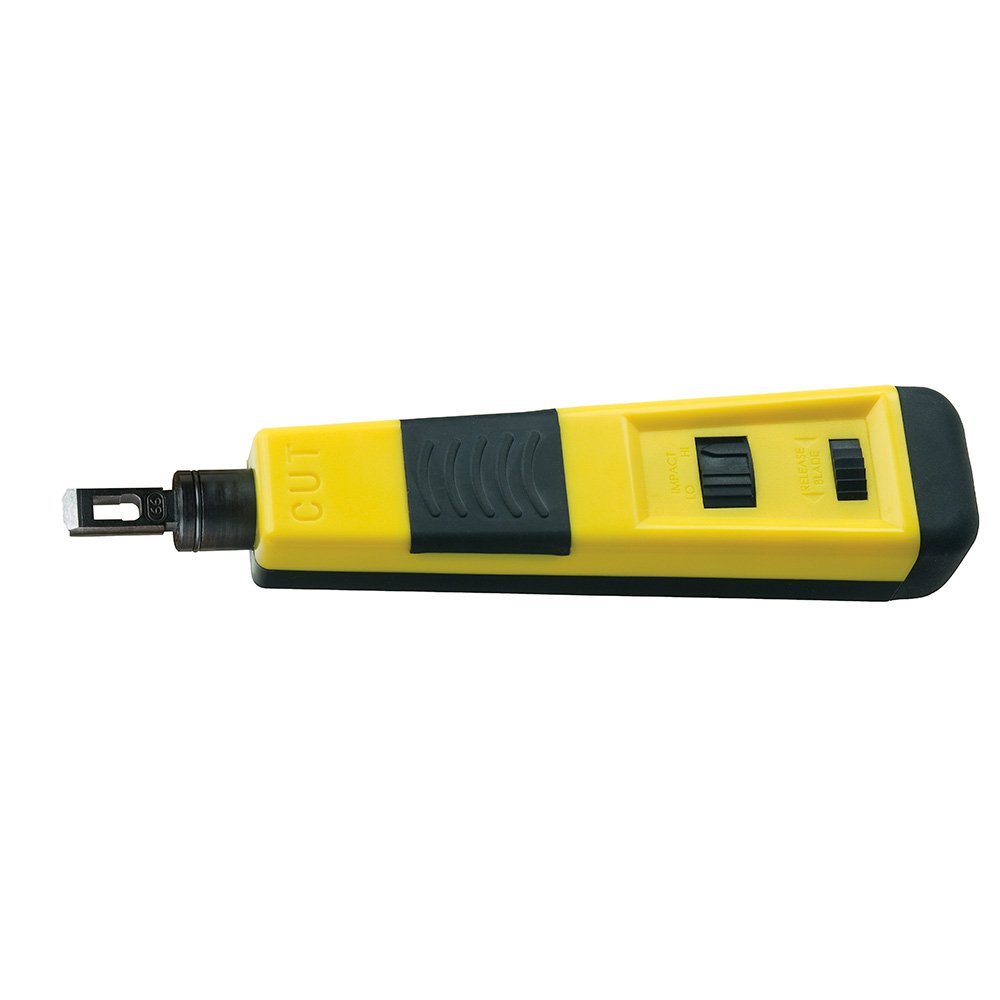
When you are working with patch panels in a server room or wall jacks in an office, you don’t use a standard crimper, You will need a punch-down tool.
- The Function: It pushes the wire into a “V” shaped metal slot (an IDC) and trims the excess wire in one motion.
- The Pro-Tip: Always ensure the “Cut” side of the blade is facing the outside of the jack, or you’ll accidentally cut the wire you’re trying to connect!
4. Tone Generator & Probe (The “Fox & Hound”)
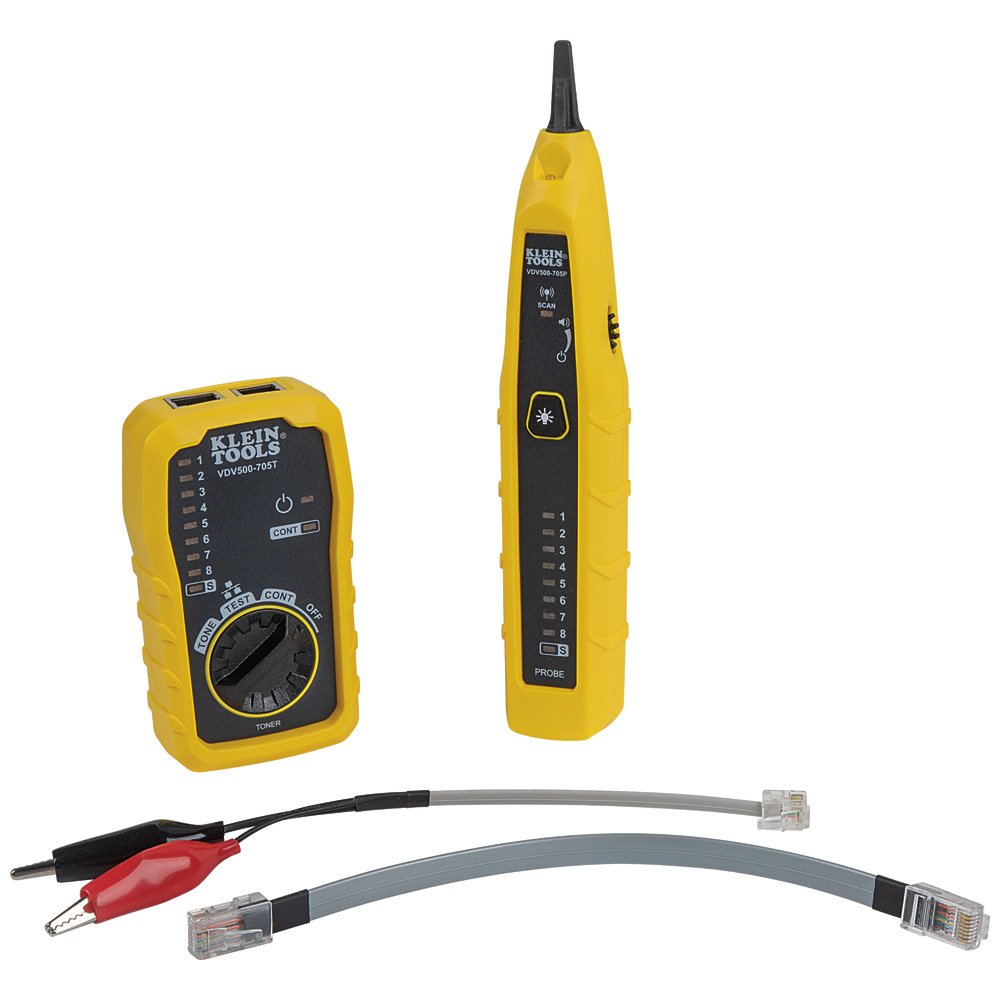
Have you ever looked at a messy server rack and wondered, “Where does this cable actually go?”
- The Function: The “Fox” sends a loud electrical signal down the wire, and the “Hound” (Probe) picks up the sound through walls or inside bundles of cables.
- Why it matters: It saves hours of manual tracing and prevents you from unplugging the wrong device in a live environment.
5. The Loopback Plug
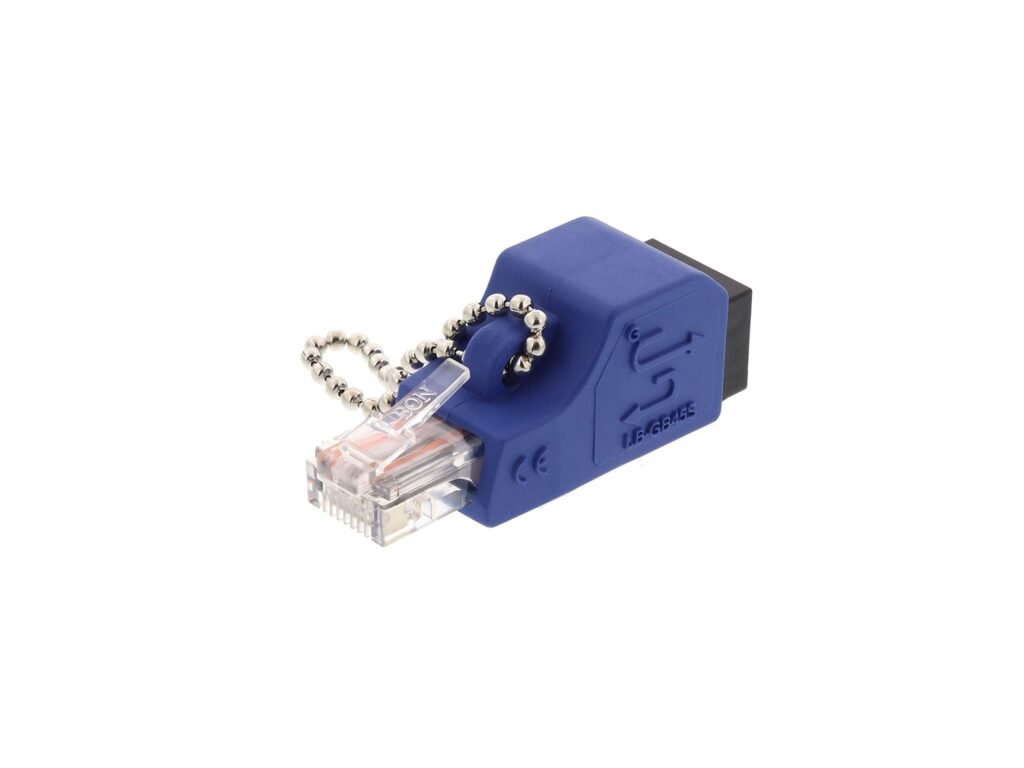
Sometimes the cable is fine, but you suspect the computer’s NIC (Network Interface Card) is dead.
- The Function: This tiny plug redirects the “Send” signal back into the “Receive” port.
- The Test: If you plug it in and the link light turns on, your hardware is healthy. If it stays dark, you’ve likely found a hardware failure.
🛠️The “Layer 1” Connection
In the OSI Model, that we will discuss next Monday, all of these tools live at Layer 1: The Physical Layer. Without a solid physical foundation, the most advanced security protocols and cloud architectures in the world won’t work.
- Key Takeaway: Always check the “Physical Layer” first. It is the most common point of failure and the easiest (and cheapest) to fix.
What’s In Your Bag?
If you’re a fellow tech, what is the one tool you never leave your desk without? For me, I typically have the above tools available, as well as a multitool and a flashlight.
📚 Sources & Further Reading.
- CompTIA Network+ N10-009: Objective 1.1 – Network Media and Tools.
- Professor Messer: Network+ Training – Troubleshooting Tools
- Klein Tools: https://www.kleintools.com/
This article is an independent summary of my learning journey. All trademarks and copyrighted materials belong to their respective owners. I am not sponsored by Klein tools, i just like and suggest their products.